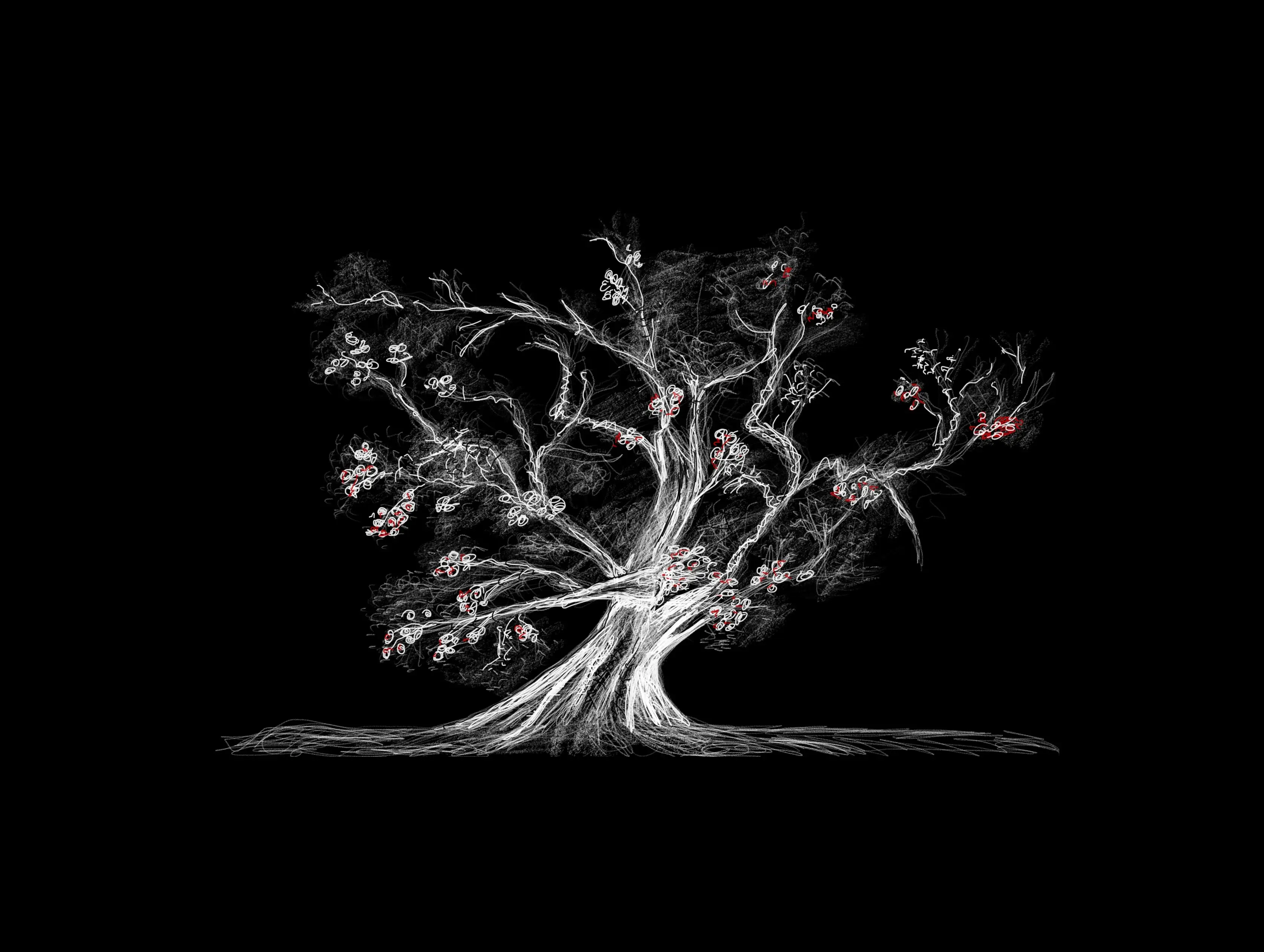
The idea
I wanted a notebook that feels more like paper than software usually feels.
For me, this meant:
- only sketching; no typing, images etc.
- fixed-size pages; no zooming or infinite canvas
- content always rotates with the device
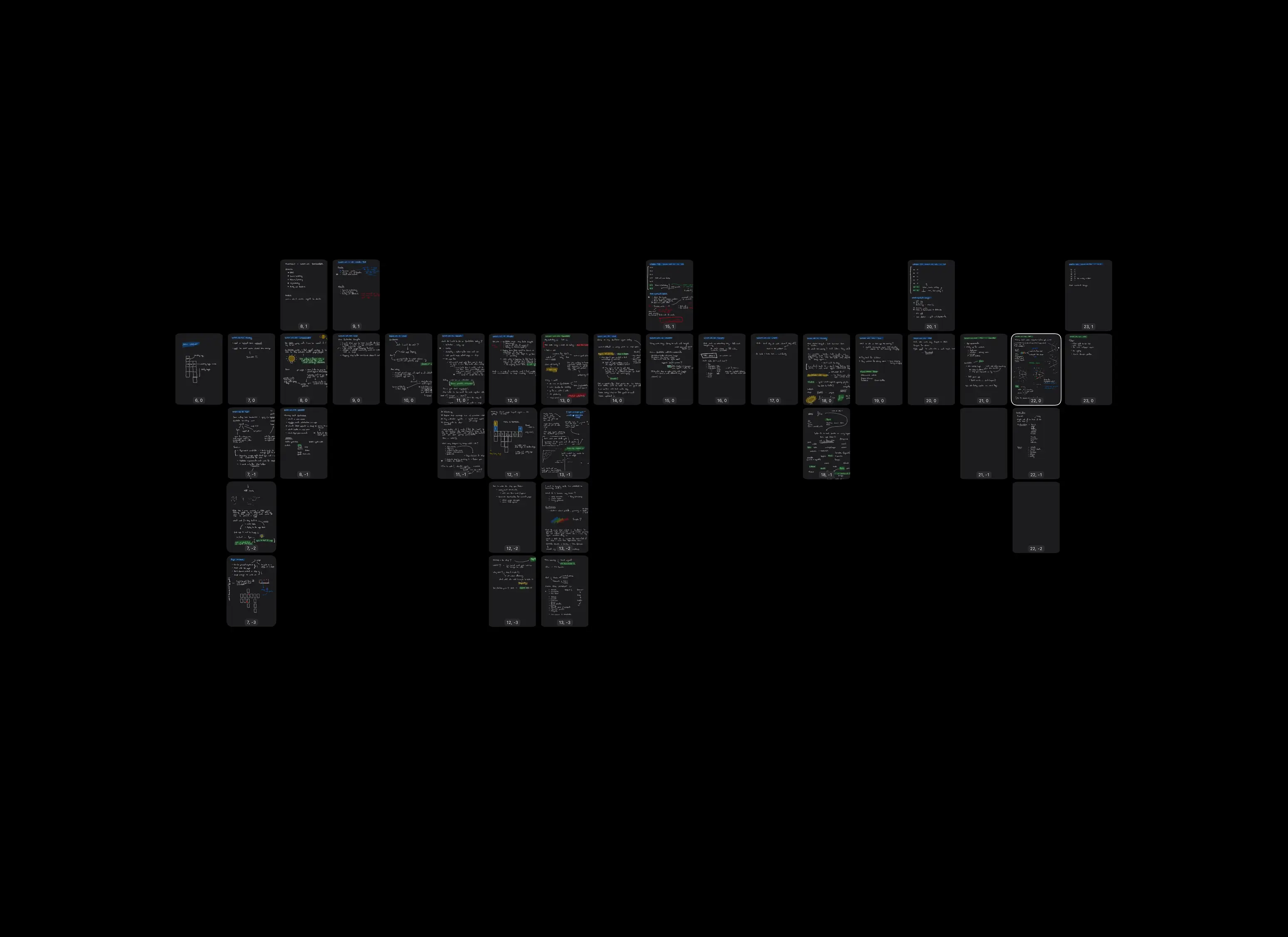
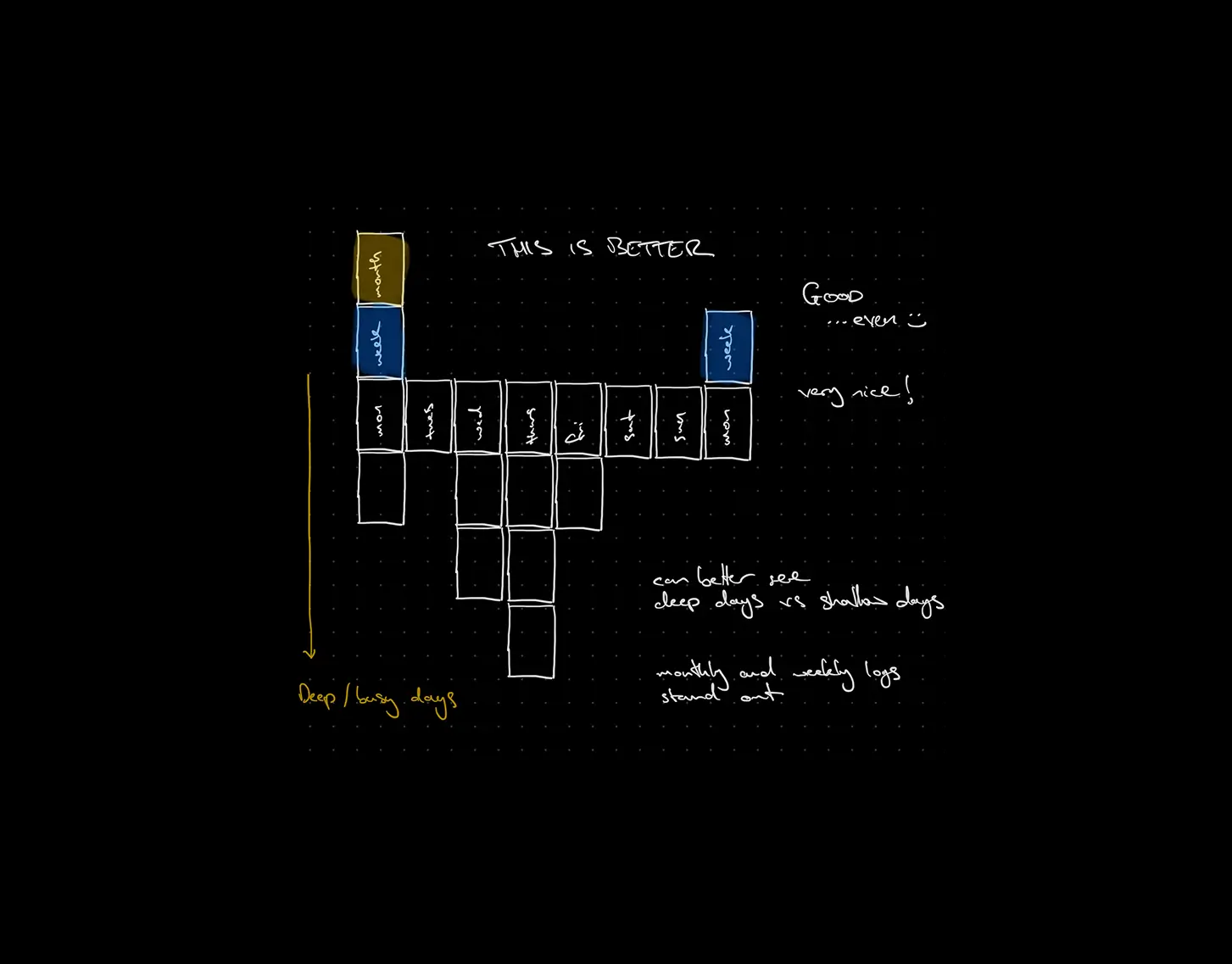
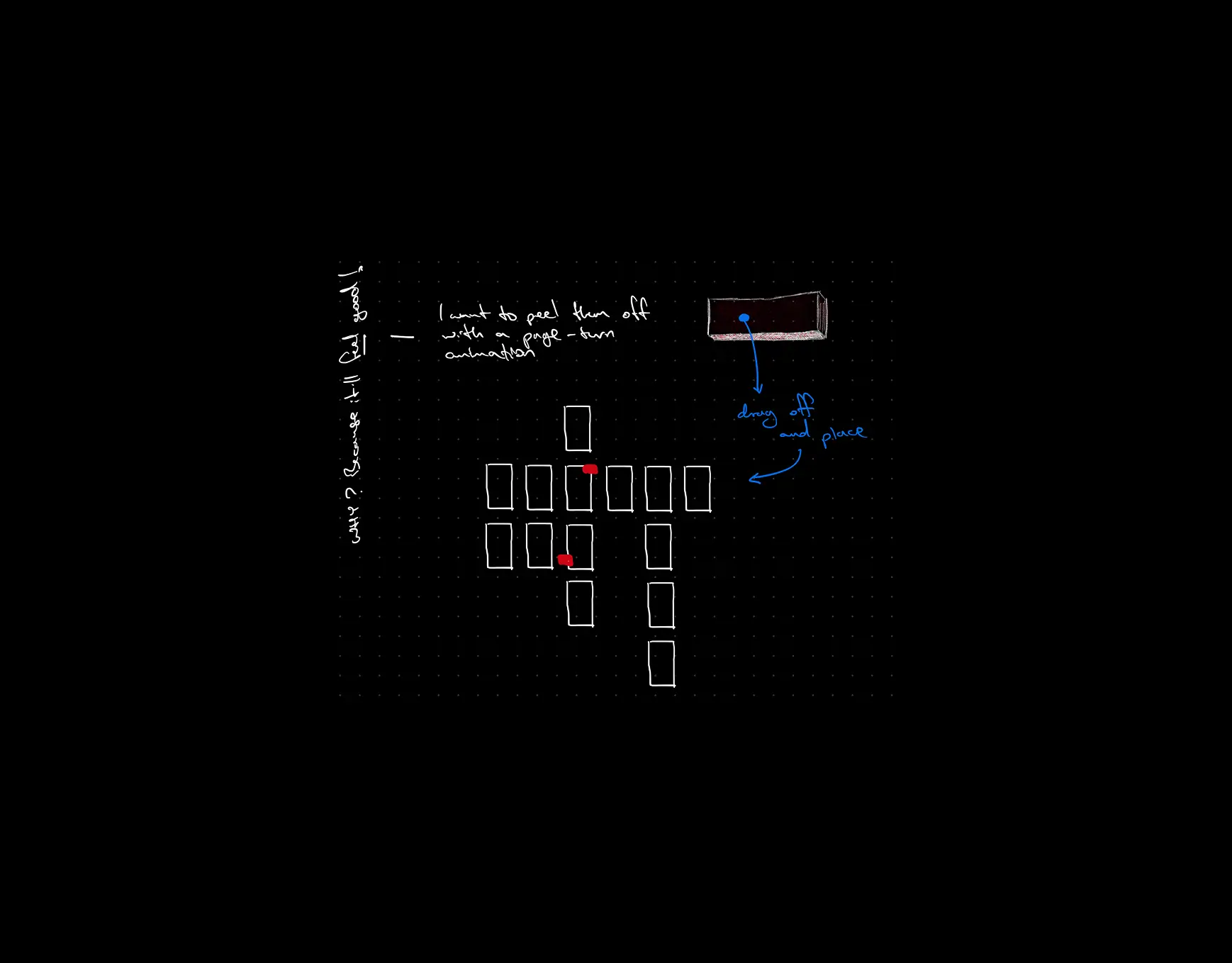
Instead of one endless surface, Inklings uses a 2D grid of pages that you navigate by swiping. You move left, right, up, and down to create or move to adjacent pages, like spreading sheets of paper out on a huge desk.
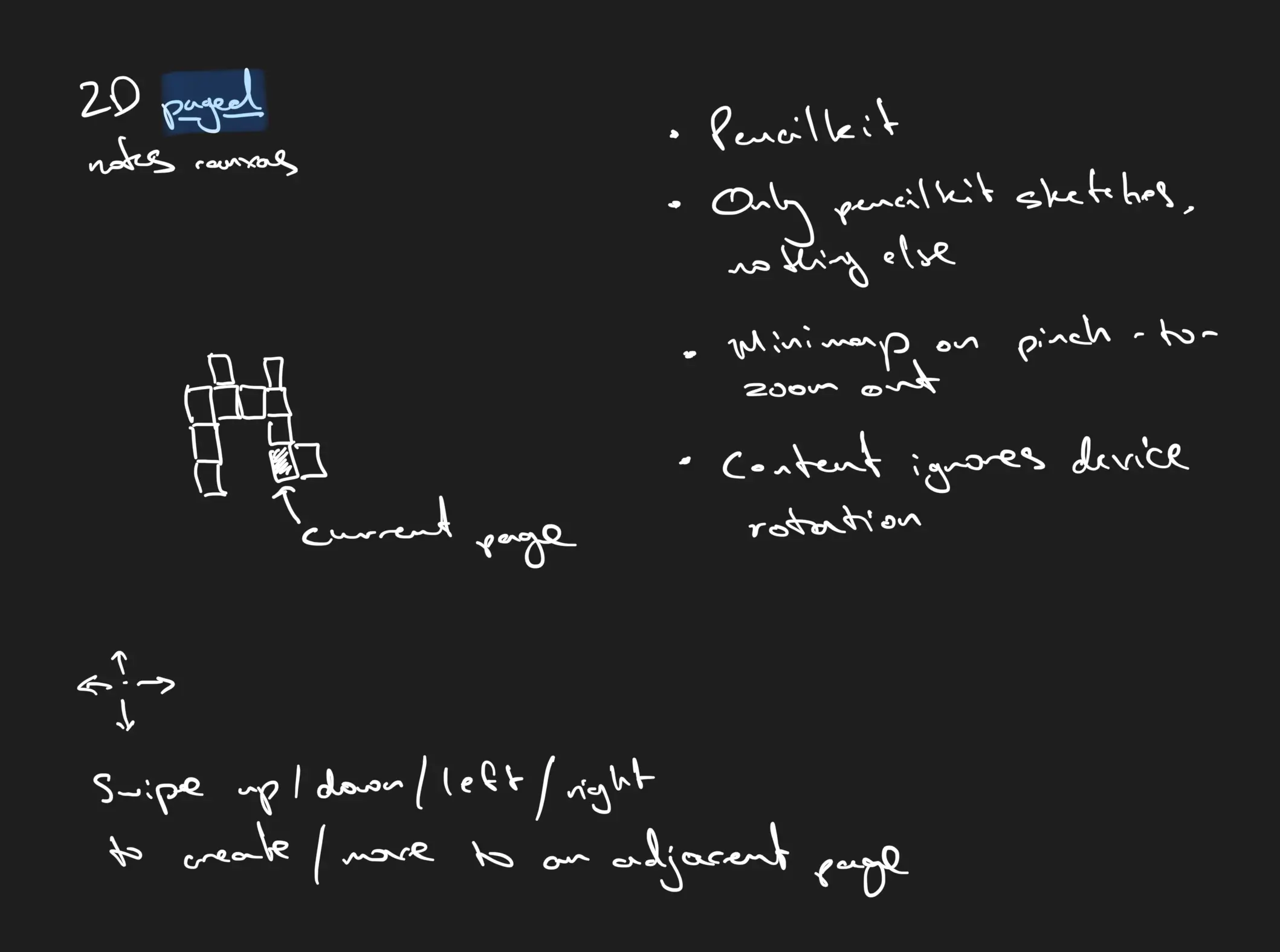
The goal wasn’t to mimic paper visually, but to recreate its cognitive effects: focus, spatial memory, and commitment.
What I built
Inklings is implemented using a hybrid of SwiftUI and UIKit, with PencilKit for drawing.
Core features include:
- A fixed-scale dot-grid page system
- A 2D page map showing the entire notebook at once
- Pencil-only input; no toolbars, no modes
- Content that ignores device rotation so pages behave like physical sheets
Designing with constraints
The hardest part wasn’t drawing, it was gesture design.
Map view, page navigation, zoom prevention, and Pencil input all compete for the same touches. To keep the interaction simple, I had to actively remove features and narrow the scope until the tool behaved in a way that felt obvious rather than clever.
This was a constant trade-off between flexibility and clarity.
Exactly the same tension that shows up in professional product design — just in a smaller, more personal form.
Building with Claude Code
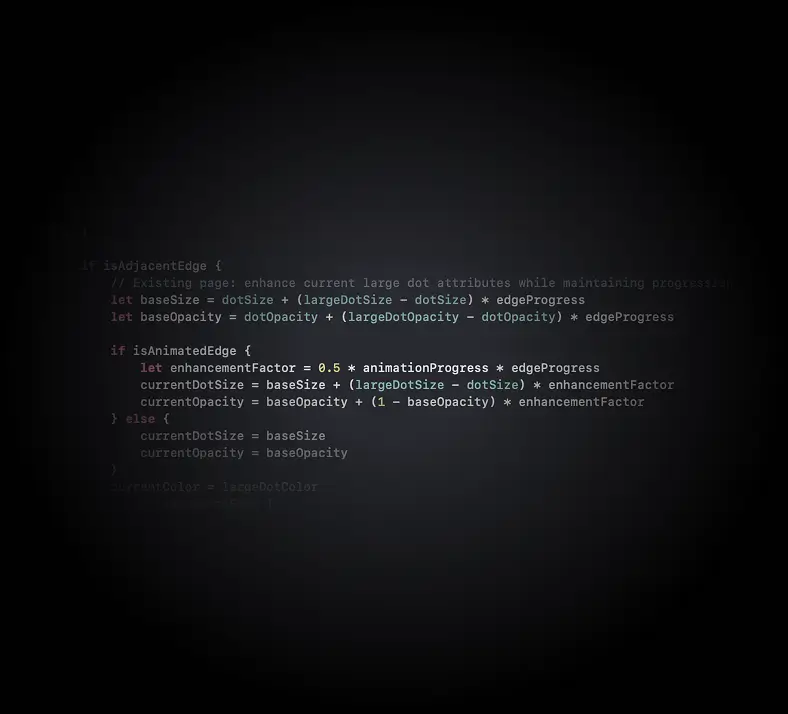
Most of the implementation was written using Claude Code as a pair-programming partner.
- interrupting when the approach felt wrong
- proposing alternatives
- asking it to explain its own code
- simplifying things I didn’t understand
This kept the codebase understandable and gave me a way to explore ideas quickly without losing control of the design.
Current state and what’s next
I’ve been using Inklings daily for some months for work notes, sketching, journalling, and it works exactly the way I hoped it would.
Before releasing it more widely, I need to solve some problems that don’t affect me but would affect others:
- Resizing content when notebooks are opened on different iPad sizes
- Supporting multiple notebooks
 Tim Lloyd